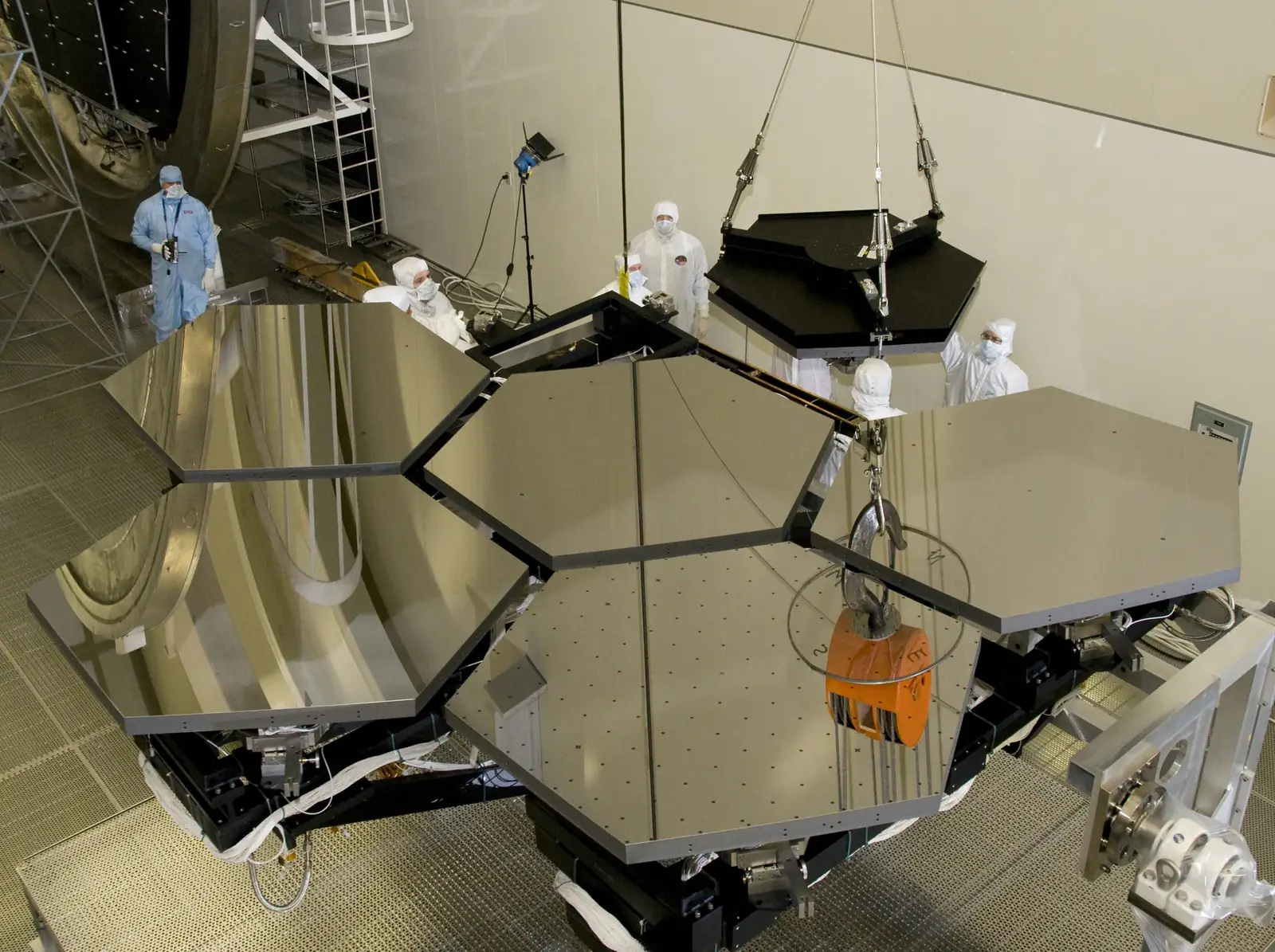
Six of the eighteen James Webb Space Telescope mirror segments before cryogenic testing
S.T.A.R. · free engineering software from Italy

THE PHYSICAL INTELLIGENCE WORKSTATION

Build your intelligence.
Connect models. Verify reality.

A local environment for assembling AI, scientific simulation, optimisation and verification.

CONCEPT · COMING SOON S.T.A.R. is a free, independent engineering-software project by one person in Italy. pHisis-Ai, its workstation, is being designed and is not a download yet. What you can use today: the Workspace tools, the open-source packages and the evidence behind them.

Photo: NASA/MSFC/Emmett Givens · Public domain

pHisis-Ai workstation, concept of the assembly viewMODEL RACKPHYS COREENGINE BAYMEMORYORACLEASSURANCE
Concept of the assembly view: the six bays of the workstation and the bus that connects them. Concept of the visual layout: not a developed screen and not a working 3D model.

Three real workflows, today

Not renders: tools that run now, each with its input, its result, its evidence and how to reproduce it.

Check a column of numbers

Input
A CSV exported from a spreadsheet
Result
Every value read, every conversion listed, missing and suspicious cells flagged, a receipt
Evidence
Engine tested against independent libraries; the receipt records what ran
Reproduce
Open the tool, load the example, compare the receipt
Open →

Propagate an orbit you can check

Input
The four published XC-008 test orbits
Result
The S.T.A.R. propagator compared with two independent integrators, within the stated tolerance
Evidence
Evidence file with fingerprint, versions and tolerance
Reproduce
Install star-crosscheck and run the campaign: the command is on the evidence page
Open →

Check a folder before sharing it

Input
A project folder on your computer
Result
Exposed keys, passwords and risky files, listed and masked
Evidence
Pattern-based checks with stated false positives; nothing is uploaded
Reproduce
Open the Security Center and choose a folder
Open →

The system in 60 seconds

How pHisis-Ai is designed to work. Check, run and evidence already exist in the lab for one solver; the rest is being built.

  1. 01IntentSay what you need in your terms: a quantity, a tolerance, a deadline.
  2. 02AssemblyChoose the components: models, engines, data and verifiers.
  3. 03CheckEvery connection is checked against its contract: units, domains, permissions.
  4. 04RunThe runtime executes locally and records what ran.
  5. 05EvidenceIndependent checks and a receipt you can verify later.
  6. 06ReuseA proven result becomes a building block, with its proof attached.
S.T.A.R.

Engineering Intelligence. Built to be Verified.

For researchers and engineers first; also for developers, students and small businesses who need a calculation they can check.

Tools to work, protect and discover, each with its real state. The Workspace and the Security Center run in your browser: no installation, no account, and your files stay on your computer. Behind them, open-source engineering software published with its test results and its recorded defects.

  • Free to use
  • Local processing: data stays on your device
  • Documented limits
  • International Space Station · about 420 km
  • Earth observation, polar orbit · 800 km
  • Vanguard 1, in orbit since 1958 · 653–3,822 km (elements of 20 October 2026)

Numerical simulation The three orbits are propagated live in your browser with the same verified mathematics as the orbit explorer below. Orbit sizes and inclinations are real; positions are illustrative, not current; time runs 240 times faster. Vanguard 1 accelerates at each perigee passage. The satellites are symbols drawn far larger than real, oriented in their local orbital frame with the solar arrays turned to the Sun. Drag to rotate the view.

Work, protect, discover, simulate

Four areas of S.T.A.R., each with its real state. The state is defined once, on the page about states. What the states mean →

PROTECT

Security Center

A check before you share

Beta

The Security Center looks through a folder for exposed secrets, files that should not be shared and risky CI or container configuration, before it goes to a repository or to an AI agent. It never shows a secret.

Four ways in

  1. DownloadTake a package or the whole collection, each file with its published fingerprint.
  2. RunInstall a package on your own computer with one command, even without internet.
  3. TryOpen a tool in the Workspace and use it at once: no installation, no account.
  4. ObserveRead the comparisons with independent programs, with their tolerances, and rerun them.

Service areas

Free tools for businesses

Data validators, converters and table comparisons in the Workspace, free and running on your computer. No paid work in the current phase.

  • Data validators and converters
  • Comparison of two versions of a table
  • Receipts you can rerun
Solutions for businesses

Software for engineering and science

70 open-source Python packages and 1 C library for orbital mechanics, time systems, reference frames, geodesy, attitude, telemetry and numerical methods, each with its tests and written limits; every released package is compared with independent libraries and published with its limits.

  • Apache-2.0, installable today
  • 4,452 tests passed on a clean install
  • Reproducible evidence
Browse the packages

From research to everyday tools

Research yields methods; methods become tested open-source packages; packages power the tools. Every stage is public, with its actual status.

1

Research

Six research lines: one measured and confirmed, one measured and refuted (the result is published), one computed with a negative answer, three still at the stage of hypothesis or simulation.

View the research →
2

Technical software

70 package sheets: 61 Released & Verified, 9 Beta and still below the release bar. 4,452 tests passed on a clean install.

View the packages →
3

Tools and products

11 free tools are available in the Workspace: 6 calculation tools built on released packages, and 5 everyday checks for documents, payments and dates, each released as a product after its own tests. Further products follow under the same release rule.

View the roadmap →
Interactive · 3D · computed in your browser

Orbit design and manoeuvres in 3D: configure an orbit, apply a burn, observe the ground track.

Select a reference orbit or define your own parameters; the explorer reports period, ground-track shift and nodal regression in plain terms. Its mathematics is tested against our released packages and against two independent programs.

Model: two-body motion plus the secular effect of the Earth's oblateness (J2). Not included: atmospheric drag, solar and lunar gravity, the actual date (the Greenwich meridian starts under the first point). The mathematics is tested against the released S.T.A.R. packages star_elements, star_kepler, star_j2 and star_twobody, and against two independent programs: a numerical integration of the J2 equations of motion and SGP4 (198 checks; largest propagation difference 0.26 micrometres). The satellite is a symbol drawn far larger than real: its body follows the local orbital frame, its solar arrays turn towards the illustrative Sun, and its sensor cone (20 degrees, narrowed to the Earth's disk from high orbits) is illustrative (2581 checks on the 3D models).

Questions to ask of any calculation tool, and S.T.A.R.'s answers

Before relying on a number, establish where it came from. These are the answers S.T.A.R. can document, each linked to its evidence.

Where does my data go?
It stays on your device: the Workspace runs in your browser and your files are not sent anywhere. See the proof →
Which method and version produced this number?
The receipt names the package and its version, and lists every change made to your input. See the proof →
Was it compared with independent programs?
Every released package was compared with at least one independent library; which ones, and how closely they agree, is published. See the proof →
What happens with invalid input?
The Workspace tools reject it explicitly instead of returning a wrong number. Tested: for example, "1 2 3 4" is rejected as a coordinate, not read as 1234. See the proof →
What are its limits?
Stated on every tool and package page, in plain language. See the proof →
Can I keep using it if S.T.A.R. stops?
Yes: the packages' source code and installable files remain yours (Apache-2.0). See the proof →

Why not a general AI assistant?

A general AI assistant handles open questions, explanations and code writing, and S.T.A.R. does not aim to replace it. S.T.A.R. is a different instrument: the same input gives the same output, the calculation runs on your device, and a result comes with its version, its limits and, for released packages, a published comparison with independent programs. An assistant that runs code can use these packages like any other library.

No measured comparison between S.T.A.R. and a general AI assistant has been run, so this page does not say which of the two is more accurate.

Interactive · 3D

Computing architectures compared: CPU, GPU, AI accelerator and quantum processor

The same workload on a CPU, a graphics processor and an AI accelerator under a declared performance model, and a single qubit simulated in 3D. Every visual on this site carries one of these labels:

Open the chips and quantum lab
Teaching illustration Numerical simulation Real software benchmark Real hardware measurement
Failure observatory

Recorded defects, published

Every defect found in our released software is listed, open ones included; each fixed defect names the version that fixes it and the test that keeps it fixed.

  • OPEN 13 older packages: some wrong inputs (for example an empty value) stop with a generic error instead of the documented clear one. No wrong result is returned.
  • FIXED The installable package of our C library was empty. It is no longer offered: the sheet now points to the source.
  • FIXED On phones some pages scrolled sideways. Wide tables now scroll inside themselves, and every page is checked at phone width before publishing.
Open the failure observatory →

Use with your AI

Today the packages are plain open-source Python: any assistant that runs Python on your computer can call them, and the result can be checked against the published evidence. An MCP server and an SDK for pHisis-Ai components are planned, not released. If you use an external AI service, what you send goes to that provider under its own terms.

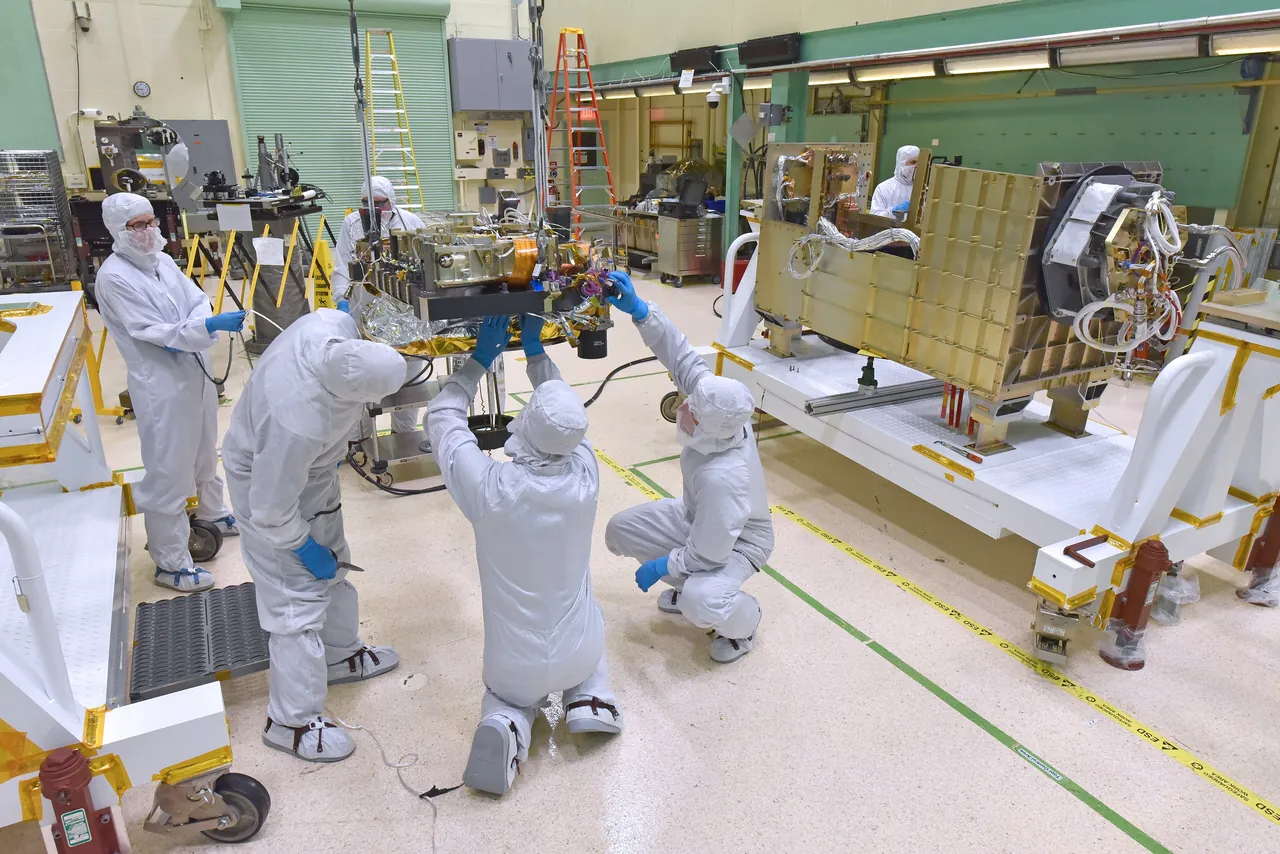
Integration of the GEDI lidar instrument
Integration of the GEDI lidar instrument · Photo: NASA Goddard Space Flight Center / Barbara Lambert · Public domain

Download and open architecture

Browser toolsAVAILABLEAny modern browser
Open-source packagesAVAILABLEPython 3.9 or later; offline wheels
SDK, CLI, API and MCPCOMING SOONPlanned
Local installer of S.T.A.R.COMING SOONPlanned; the shell is chosen after a threat model

Go to downloads

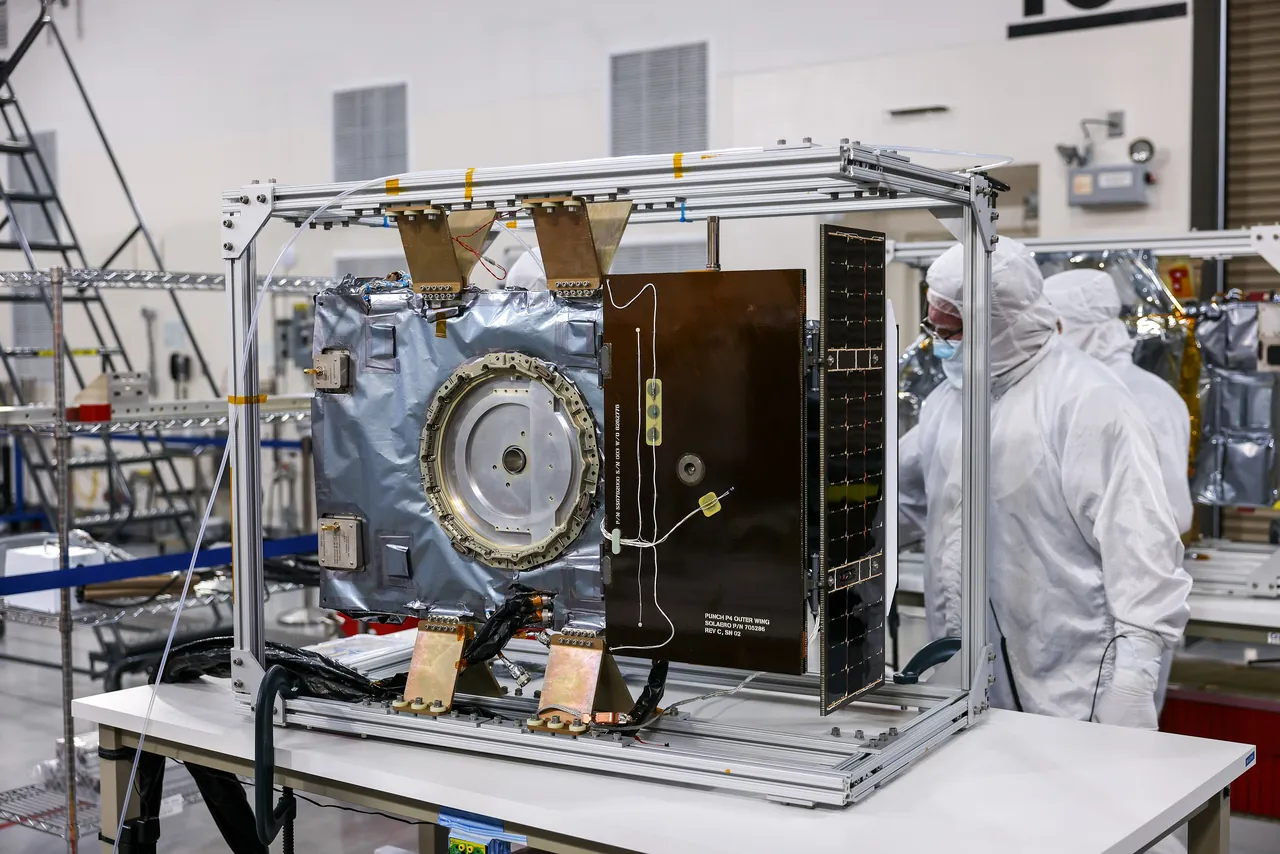
Solar array deployment test of a PUNCH satellite
Solar array deployment test of a PUNCH satellite · Photo: NASA Kennedy Space Center / USSF 30th Space Wing / Alex Valdez · Public domain
2030–2040

Vision 2030–2040

Where the project can go, kept apart from what exists. A roadmap, not a promise: each step depends on the one before working and being verified.

  • A local workstation where engineers assemble verified scientific components the way they configure a computer.
  • Components shared with their contracts and evidence, reused instead of rewritten.
  • Verified models for satellites, machines and robots, with the limits of each model written down.
  • AI that proposes and a system that checks: results accepted only with independent evidence.

Questions, bugs, ideas: write to us.

A question about a package, a result you want to check, a defect you found. Everything S.T.A.R. offers is free; this site has no accounts and sells nothing.

Discuss a project

An independent project by Andrea Cavazzini, Italy, not a company. Every module declares its actual state, from Released & Verified to Research. Nothing here carries a certification or a qualification for aircraft or spacecraft.

results